White
Quickstart
This quick start guide will help you use the product effectively, step by step. For each step, you’ll see what you need to do, what to look out for, and which images or videos are available to help you.
Number of steps:
10 steps
Estimated reading time:
Within 3 minutes
Type of explanation:
Text
This quick start guide will show you how to use the Infrared desk heater step by step, the right way. You’ll see what you need to do, what to look out for, and how to get started safely and quickly.
Please read the full user manual for the infrared desk heater. Use this quick start guide as a brief overview alongside the manual. If in doubt, always follow the manual.
Important instructions. Keep this manual for future reference.
Check the panel, the lead and the plug for damage before use.
Is the cable damaged? If so, do not use the panel. A damaged cable must only be replaced by the manufacturer or an authorised service centre.
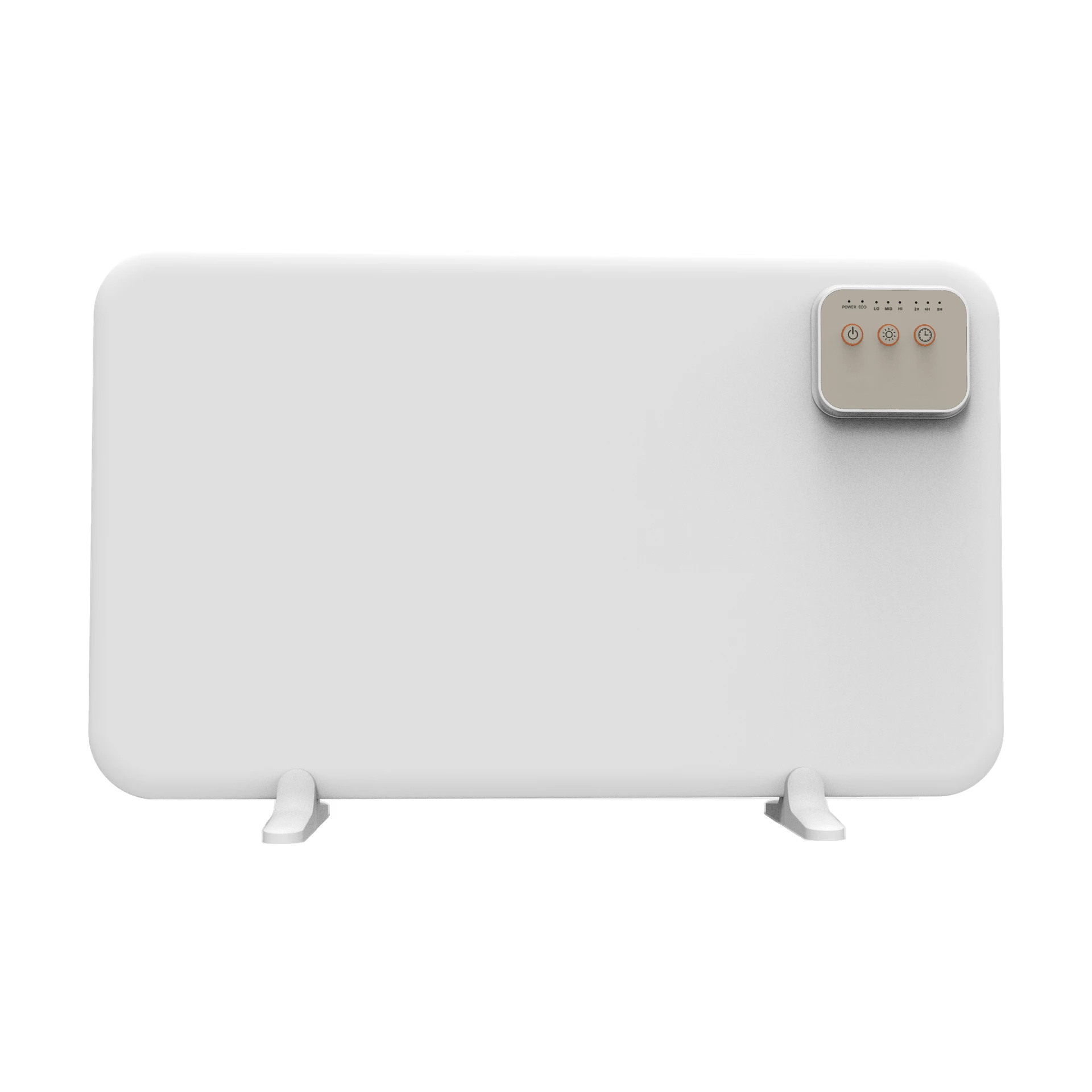
There are four ways to use the panel: freestanding on its feet, under your desk using the bracket, on the side of a cabinet, or mounted on the wall with four screws. Please use only the parts supplied. The assembly instructions are set out in the manual.
Do not place the panel directly beneath a socket. Keep it at least 20 cm away from the floor, ceiling, walls and furniture, and keep flammable materials such as paper, curtains and clothing at least 0.9 m away from the front.
Plug the appliance into the socket and press the on/off button.
Only use an earthed socket (220-240 V~, 50 Hz). Do not use an extension lead or a timer switch that switches the panel on automatically.
Press the heat button to select LO (50–60 °C), MID (60–70 °C) or HI (70–80 °C).
The light above the buttons shows which setting is selected.
The timer is always on. When switched on, it is set to 2 hours; press the timer button to set it to 4 or 8 hours. The panel will then switch off automatically.
Switch off the panel and unplug it when you are not using it.
ECO is always on. If the temperature drops by more than 5 °C within 10 minutes – for example, due to an open window – the panel switches off and the ECO light comes on.
Then switch the panel back on using the on/off button.
Do not cover the panel to prevent overheating. Do not use in a bathroom or near a bath, shower or swimming pool. Some parts become hot: take extra care if children or vulnerable people are nearby.
Keep children under the age of 3 away from the panel unless they are under constant supervision. Children aged 3 to 8 years may only switch the panel on and off under supervision, provided it is in its normal position. They must not plug it in, operate the panel, or clean or maintain it.
Switch off the panel, unplug it from the socket and leave it to cool down completely. Wipe it down with a dry or slightly damp cloth.
Do not use harsh cleaning products and do not allow moisture to get into the panel.
Allow the panel to cool and store it in a dry place, preferably in its original packaging.
Wind the cable loosely and do not bend it sharply.