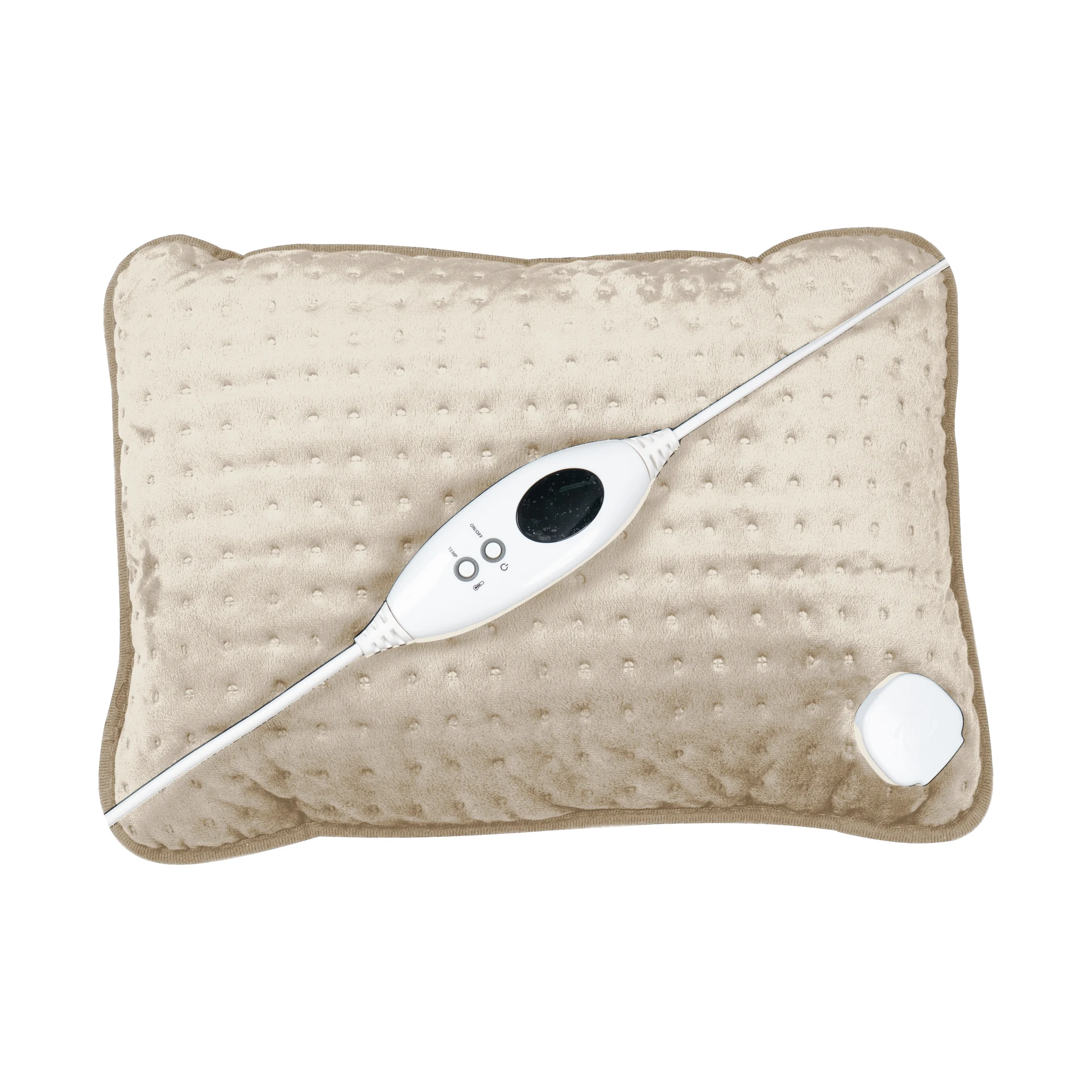
Grey
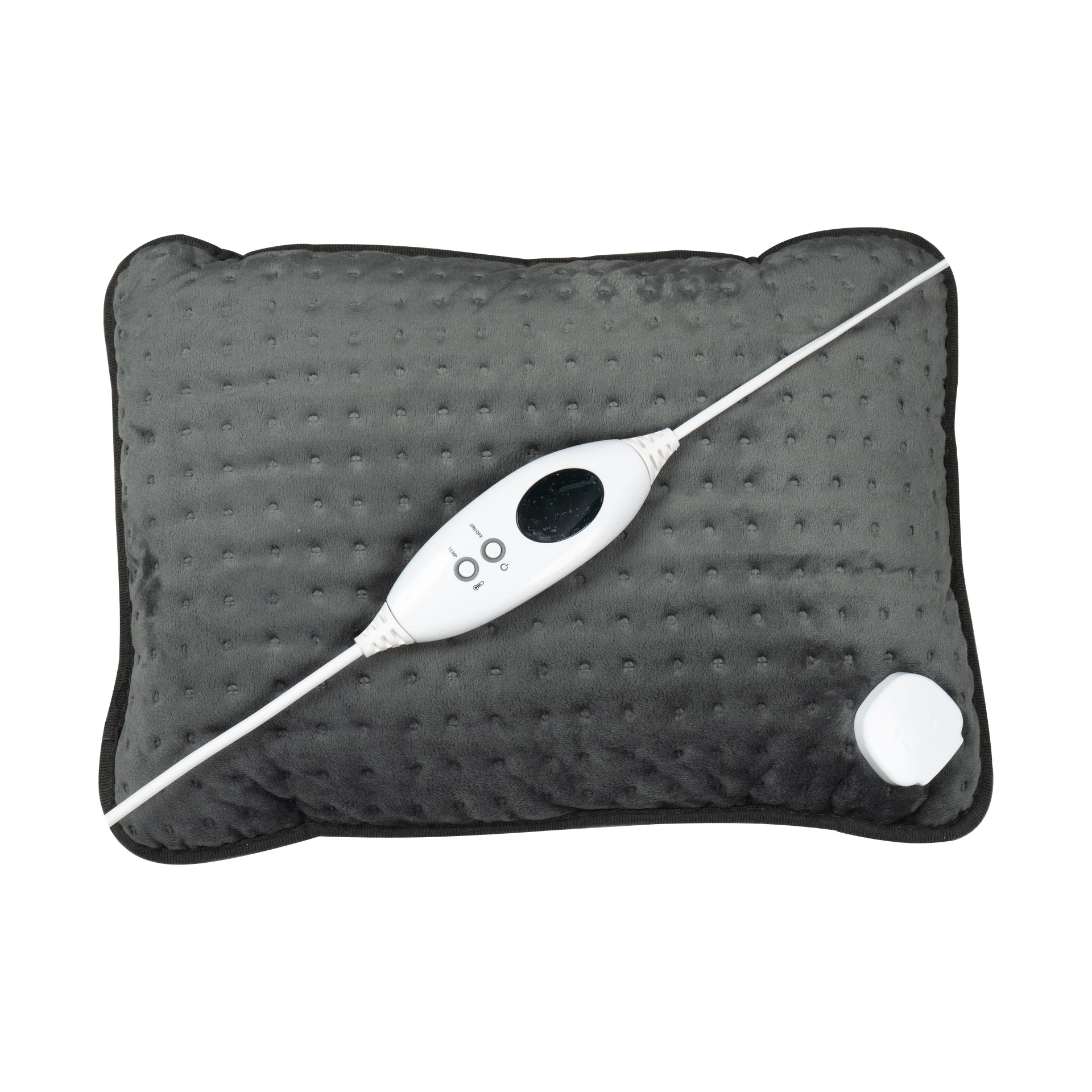
Quickstart
This quick start guide will help you use the product effectively, step by step. For each step, you’ll see what you need to do, what to look out for, and which images or videos are available to help you.
Number of steps:
11 steps
Estimated reading time:
Within 4 minutes
Type of explanation:
Text
This quick start guide will show you how to use the Heating pad step by step, the right way. You’ll see what you need to do, what to look out for, and how to get started safely and quickly.
Please read the full user manual for the heating pad. Use this quick start guide as a brief overview alongside the manual. If in doubt, always follow the manual.
Important instructions. Keep this manual for future reference.
Check the heating pad, the lead and the control unit for wear or damage before each use.
Have you noticed any damage, has the product been used incorrectly, or is it not working? If so, do not switch it on again and return it to the supplier.
Click the control unit into place on the heating pad and plug it into the socket.
Only use the KS6 detachable controller and the mains voltage specified on the rating plate (220–240 V~, 50 Hz).
Press and hold the ON/OFF button for 3 seconds. You will hear 3 beeps and the display will show mode 3.
Preheating: set it to setting 6 for 10 minutes before using it.
Place the heating pad on your back, on your tummy or on your lap.
Do not use if it is folded or creased, and do not use pins. Never place the controller under, on or inside the heating pad whilst in use.
Use the TEMP setting to select a level from 1 (low) to 6 (high). Test the heat first with the back of your hand.
Prolonged use at the highest setting may cause burns. For prolonged use – for example, if you might fall asleep – set it to setting 1.
It switches off automatically after 90 minutes. To switch it off manually: press and hold the ON/OFF button for 3 seconds and unplug it from the socket.
Always pull the plug, not the cable.
P: Check that the controller’s plug is securely connected and restart. C: The controller has become too hot; switch it off, lay everything flat and allow it to cool down. E: The product is faulty or has overheated.
Does it still say ‘P’, or do you see ‘E’? Stop using the product and contact us at [email protected].
Do not use on children under 3 years of age, people in need of care, or people who are insensitive to heat and unable to react to overheating. Young children over the age of 3 should only use this product if a parent or carer has set the control in advance, or if the child has been properly taught how to operate the control safely.
Do not use if it is wet or damp. This product is not intended for medical use in hospitals.
First, unplug the appliance from the socket and disconnect the control unit. Do not wash. Wipe clean with a slightly damp cloth only.
Do not wash or immerse in water.
Allow the heating pad to cool down before folding it up. Roll or fold it loosely, do not place any heavy objects on top of it, and store it in its packaging in a cool, dry place.
Before storing the appliance, always unplug it from the socket first and disconnect the controller.