White
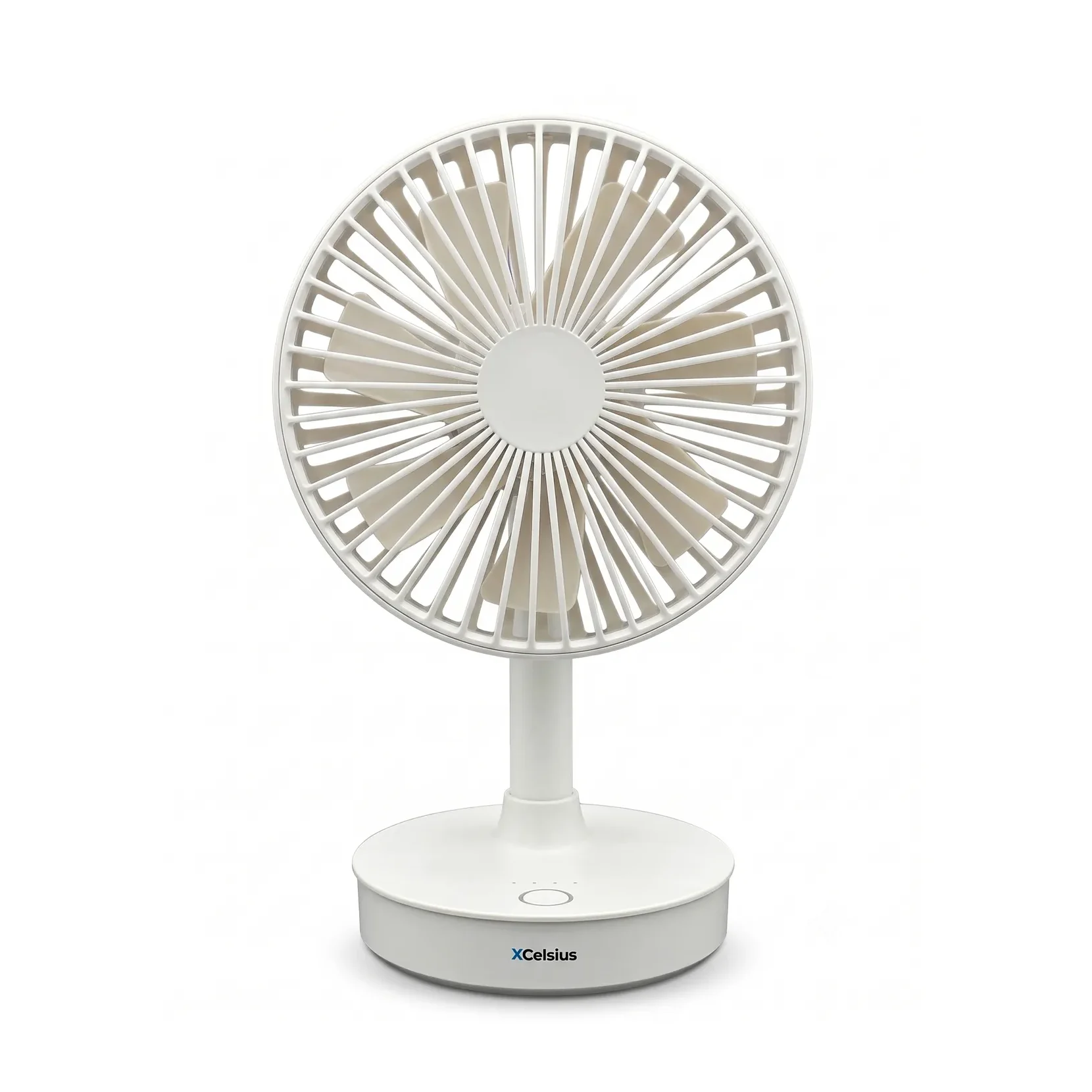
Quickstart
This quick start guide will help you use the product effectively, step by step. For each step, you’ll see what you need to do, what to look out for, and which images or videos are available to help you.
Number of steps:
11 steps
Estimated reading time:
Within 3 minutes
Type of explanation:
Text
This quick start guide will show you how to use the Table fan step by step, the right way. You’ll see what you need to do, what to look out for, and how to get started safely and quickly.
Please read the full table fan manual. Use this quick start guide as a brief overview alongside the manual. If in doubt, always follow the manual.
Keep this manual for future reference. Do not use the product if any warning or instruction is unclear.
Before use, check that the table fan, the base, the grille and the USB-C port are clean and undamaged.
Do not use the fan if the product is damaged or if the fan blades cannot rotate freely.
Connect an external power source via the USB-C charging port to start charging. The LED will flash slowly whilst charging.
When the battery is fully charged, the LED lights remain on.
When the battery is running low, the LED will flash rapidly. Please charge the fan before continuing to use it.
Unplug the unit from the mains after charging. Do not charge the fan for longer than 12 hours.
Press the on/off button once to switch the fan on. Press it again to cycle through the fan settings.
The LED lights indicate the fan speed. One LED indicates the lowest setting and four LEDs indicate the highest setting.
Press and hold the on/off button for about 2 seconds to switch off the fan.
Switch off the fan when you are not using it.
When the fan is switched on, press the button twice briefly to switch the left-right movement on or off.
Place the fan on a stable surface before using the oscillating mode.
Tilt the fan head manually up or down to direct the airflow.
Adjust the fan carefully and do not use excessive force.
When cleaning, first check the alignment marks. If the top and bottom lines are perfectly aligned, the grille is locked in place. Turn the rim anti-clockwise to unlock and remove the grille.
Make sure the safety grille and fan blades are completely dry before using the appliance again.
Do not use the fan in damp environments, in high temperatures, near open flames or near flammable materials. Do not insert your fingers or any objects into the fan whilst it is running.
Do not immerse the product in water. Stop using it immediately if it becomes abnormally hot, emits an unusual smell or makes unusual noises.
Store the fan in a dry place when not in use. Keep the product away from heat sources and direct sunlight.
For long-term storage, it is advisable to recharge the battery regularly.