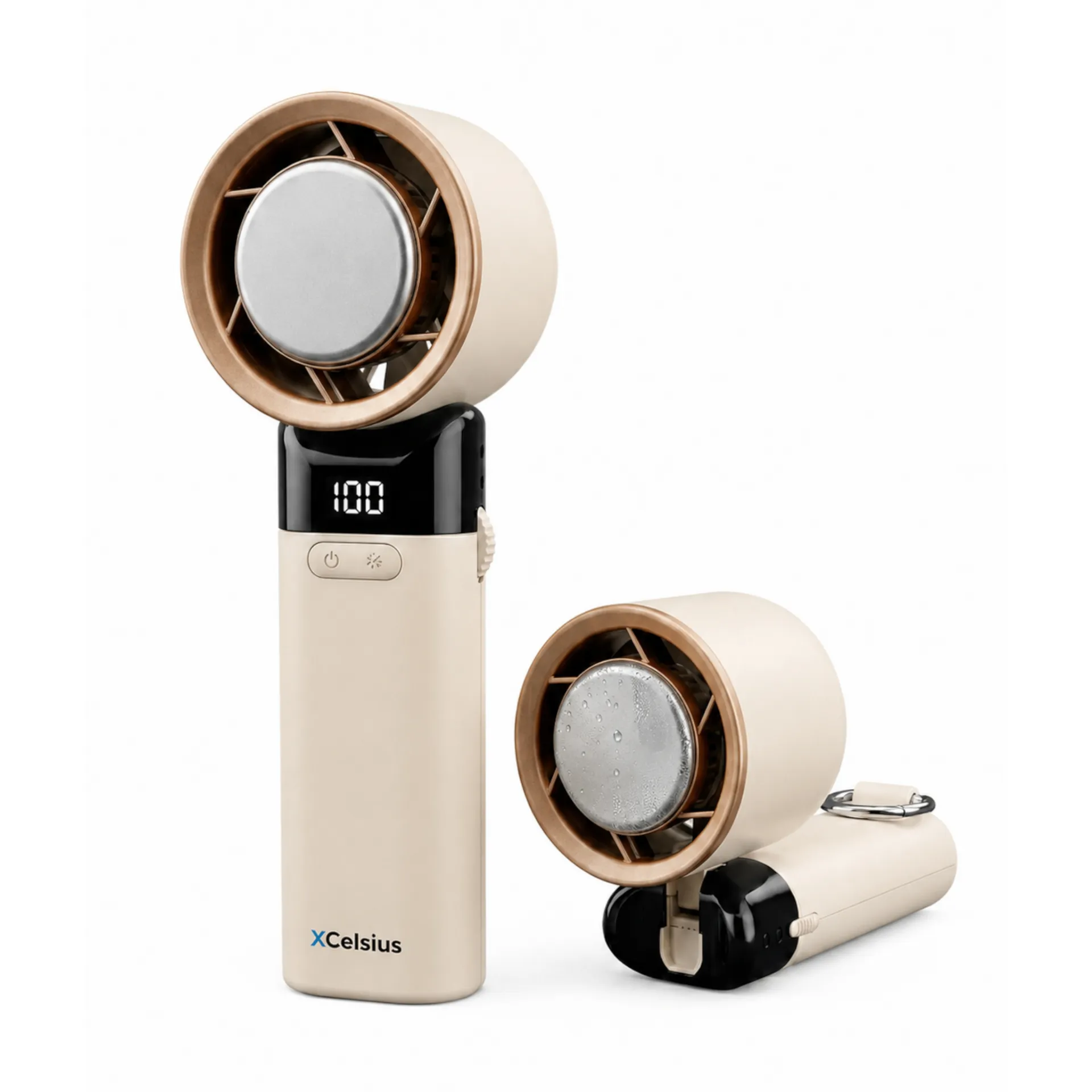
White
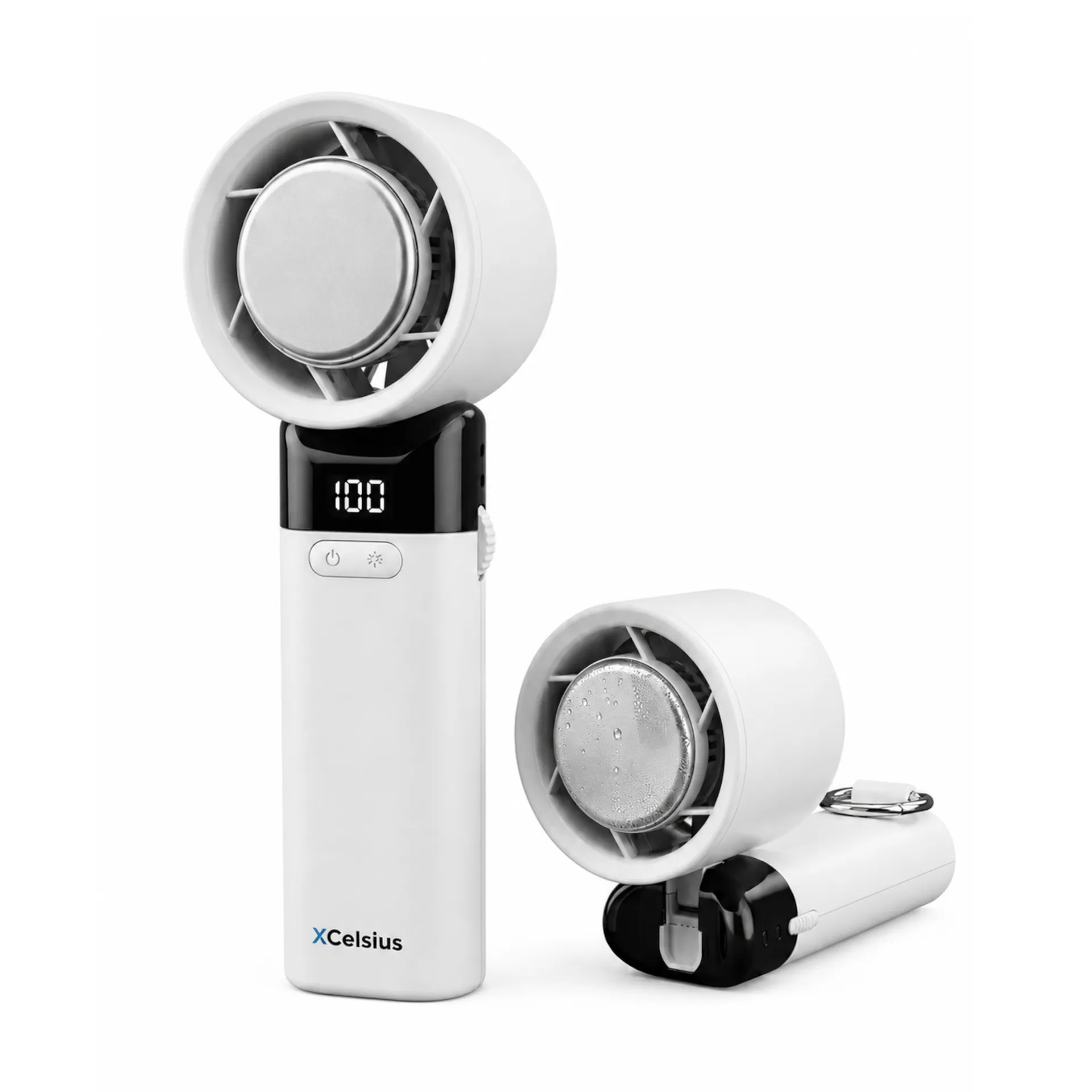
Quickstart
This quick start guide will help you use the product effectively, step by step. For each step, you’ll see what you need to do, what to look out for, and which images or videos are available to help you.
Number of steps:
11 steps
Estimated reading time:
Within 3 minutes
Type of explanation:
Text
This quick start guide will show you how to use the Handheld fan step by step, the right way. You’ll see what you need to do, what to look out for, and how to get started safely and quickly.
Please read the full Handheld fan manual. Use this quick start guide as a brief overview alongside the manual. If in doubt, always follow the manual.
Keep this manual for future reference. Do not use the product if any warning or instruction is unclear.
Before use, check that the fan blades, air inlet, air outlet, cooling plate and USB-C port are clean and undamaged.
Do not use the product if it is damaged or if the air inlet or outlet is blocked.
Before using the mini fan for the first time, charge it for at least 2 hours via USB-C. Use a suitable 5V, 1A adapter.
The fan uses a lithium-ion battery. You don’t need to wait until the battery is completely flat before recharging it.
Press and hold the on/off button to put the device into standby mode. The display will show two dashes.
If there is no input for two minutes, the product switches off automatically.
While in standby mode, press the side button once to start the fan. The display will show 01 and the fan will start at speed 1.
Turn the knob up or down to increase or decrease the fan speed.
In standby mode, briefly press the cooling button to activate the cooling function. The display will show 01 and the snowflake icon will light up.
Press the cooling button again to switch off the cooling function.
You can use the fan function and the cooling function at the same time. When the cooling function is active, the fan speed cannot exceed 50.
The cooling function works best when the cooling pad is clean and makes good contact with the skin or the airflow.
Do not direct the airflow at the body for prolonged periods. Take extra care with elderly people and children. Do not put your fingers or any objects into the fan blades.
This product is not a toy. Children under the age of 14 must only use it under adult supervision.
Do not use the product near fire, flammable materials, strong electromagnetic radiation or in dusty environments. Do not block the air intake or air outlet.
Stop using the appliance immediately if you notice smoke, fire, a malfunction, an unusual smell or unusual noises.
Switch off the product before cleaning it. Use a soft cloth to clean the exterior. Do not use harsh cleaning products.
Do not allow any liquid to get into the product. Do not immerse the product in water.
Store the mini fan in a dry place. Charge the battery regularly if you are not going to use the product for a while.
Charging regularly helps to maintain the battery’s lifespan.